A Practical Study Routine for Managing Heavy Course Loads
Between two-hour lectures, dense research papers, and video tutorials, coursework piles up quickly. Here is the daily workflow I use to stay organized and prep for exams.
 Sarah Chen
A Practical Study Routine for Managing Heavy Course Loads - Video Tutorial
The problem with modern course materials
Managing a double major in computer science and biology means handling dozens of hours of recorded lectures, technical research papers, and video walk-throughs every single week.
During my sophomore year, my study materials folder turned into an overwhelming backlog. I recorded lectures with the intention of re-watching them, bookmarked tutorials I never opened, and downloaded academic PDFs that went unread. When midterms arrived, I spent more time organizing files and copying out study guides than actually practicing problems.
To keep up with challenging coursework without burning out, I had to replace passive collecting with a structured daily routine.
The three bottlenecks in student study routines
Most study backlogs come from three types of media:
1. Spoken lectures and classroom discussions
Scrubbing through audio or video to find where an instructor explained a specific mathematical derivation takes excessive time. Without an indexed transcript, lecture recordings quickly turn into unmanageable backlogs.
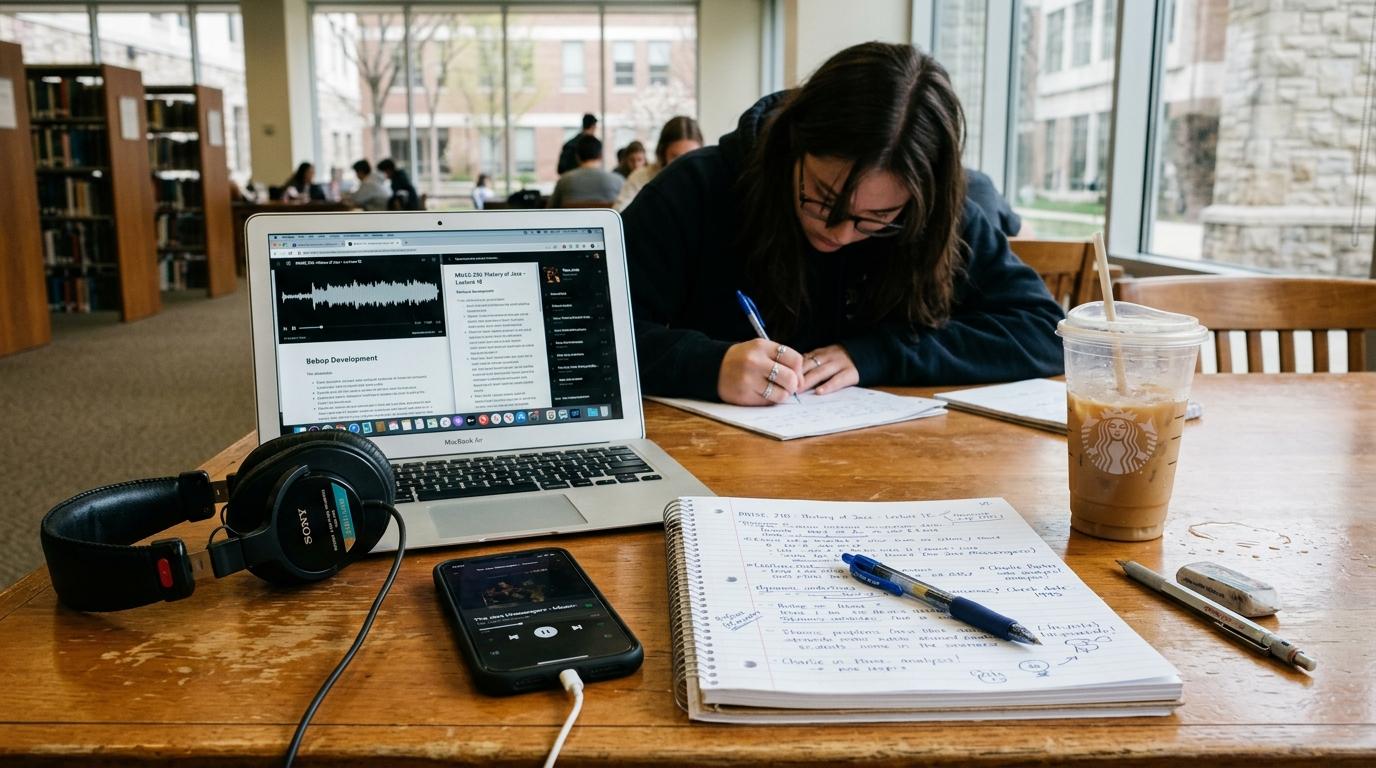
Using recording note-taking, I process lecture audio immediately after class. Converting speech into searchable text with clear headings means I can review an entire class session on my phone during my transit home while the discussion is still fresh.
2. Technical video tutorials
Video walk-throughs are helpful for visualizing algorithms or molecular pathways, but trying to take notes while watching leads to constant pausing and rewinding.
Pasting links into YouTube note extraction generates structured summaries alongside timestamped references. With the main points already written down, you can watch the video straight through at regular speed and focus on comprehending the visual steps.
3. Dense academic PDFs and textbook chapters
Highlighting sentences across thirty-page research papers often leaves you with colorful pages but little understanding of the methodology or conclusions.
Uploading papers to PDF note extraction generates an initial briefing of hypotheses, key findings, and data tables. You can read this summary first to understand the context, then read the original paper with clear expectations of what each section addresses.
Converting notes into active study tools
Summarized notes are only the starting point. To prepare for exams, you have to transition from reading notes to testing your recall.
Daily organization in the Study Hub
Instead of hunting through nested folders, the Study Hub groups your notes and active tools in one place. It shows your study streak, calculates due review decks, and flags topics where your quiz scores dipped.
Spaced repetition with automated flashcards
Creating flashcards by hand is tedious, which leads many students to skip it altogether. Generating flashcards directly from lecture summaries creates review decks instantly using the modern FSRS algorithm. Reviewing twenty cards during lunch or while waiting for a bus provides regular, low-stress practice that cements facts in long-term memory.
Self-testing with practice quizzes
Taking an untimed practice quiz exposes which details you actually remember. Each question includes explanations for both correct choices and common misconceptions, so you learn from your mistakes immediately.
Spoken practice with Feynman Live AI
When you hit a stubborn concept like chemical equilibrium or recursive algorithms, start a Feynman Live AI session. Explaining the idea aloud to an AI buddy catches textbook jargon and shows you where your logic breaks down.
Visual synthesis with mindmaps
When studying interconnected systems, such as metabolic pathways or database architectures, linear text notes make it hard to see relationships. Generating mindmaps provides a visual overview of how subtopics link back to foundational concepts, which is especially helpful when preparing for comprehensive final exams.
A realistic weekly study schedule
Here is how to distribute these study tasks throughout the week:
| Day of week | Focus activity | Time commitment |
|---|---|---|
| Monday through Thursday | Record lectures, extract notes, scan outlines for 10 minutes | 15 minutes per class |
| Daily | Check the Study Hub to clear due flashcards and protect your streak | 10 to 15 minutes |
| Friday afternoon | Run a Feynman Live AI session on the week's hardest concept | 15 minutes |
| Saturday morning | Run practice quizzes and review visual concept mindmaps | 45 minutes per subject |
| Sunday evening | Plan problem sets for the upcoming week and reset workspace | 20 minutes |
Practical habits for getting started
If you want to streamline your own study routine, keep three principles in mind:
- Start with one challenging course before applying the workflow across your entire schedule.
- Attend lectures actively. Automated notes complement classroom participation; they do not replace the benefit of engaging with discussions and asking live questions.
- Focus on active problem solving. Use the time you save on manual transcription to work through problem sets and write self-explanations.
Frequently asked questions about college study routines
How many hours a day should a college student study?
Quality matters far more than raw hours. Two to three hours of focused, active retrieval practice per day generally produces better grades than six hours of distracted re-reading and highlighting.
How do I balance multiple heavy STEM classes?
Dedicate specific days to specific subjects rather than switching between four subjects every evening. Working on calculus on Monday and biology on Tuesday allows deeper focus and minimizes the mental cost of context switching.
What is the best way to review before finals?
Start with practice tests and quiz questions two to three weeks before the exam. Use your errors on practice questions to guide which specific lecture outlines and textbook sections you need to revisit.
Ready to learn faster?
Paste any YouTube URL, upload a PDF, or record a lecture and get structured AI notes in seconds.