Stop Re-Watching Lectures: A Faster Study Routine for Students
Re-watching hours of lecture recordings at double speed rarely leads to better grades. Here is a practical workflow to turn class audio into searchable notes and targeted review sessions.
 Sarah Chen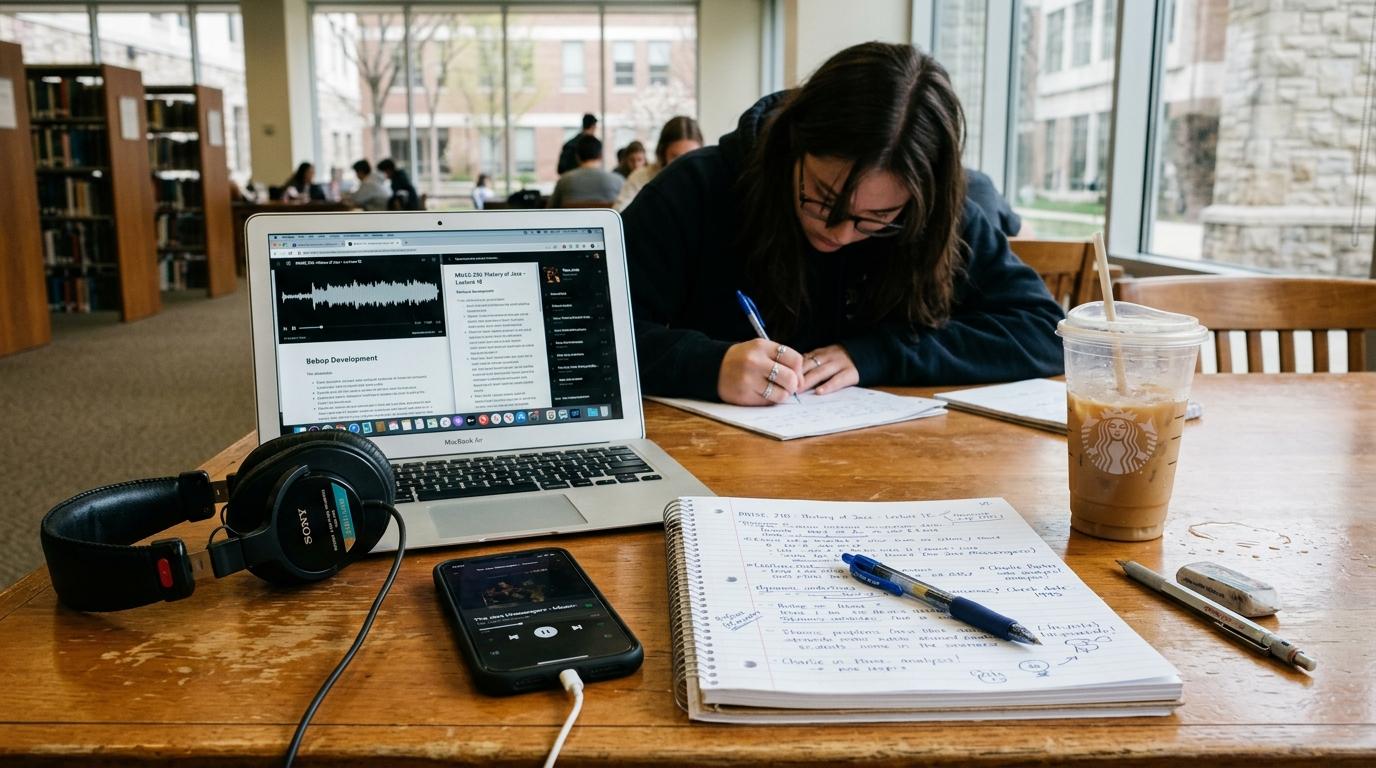
Why re-watching recordings is the slowest way to review
You miss an explanation during a Wednesday afternoon lecture, so you save the 75-minute video to re-watch over the weekend. By Sunday evening, you have four unwatched recordings and an exam coming up on Tuesday morning.
This backlog creates lecture recording fatigue. Knowing that a recording exists makes it easy to zone out in class under the assumption that you can revisit the material later. But sitting through full lectures takes hours you do not have, and playing them at double speed does not fix the underlying problem: passive listening does not move facts into long-term memory.
When you stream a video or re-read slides, your brain experiences the illusion of competence. The instructor's logic seems completely clear while you listen, so you assume you understand the material. The difficulty only appears on test day when you have to solve problems on a blank page without anyone guiding your thinking.
Re-watching videos vs. audio transcription and active recall
Here is how passive video playback compares to an active audio workflow:
| Approach | Passive video re-watching | Active audio transcription |
|---|---|---|
| Time needed | 60 to 90 minutes per lecture | 10 to 15 minutes of targeted review |
| Searchability | Scrubbing blindly through a video timeline | Instant text search for specific terms |
| Study mode | Passive listening while multitasking | Answering questions and self-testing |
| Retention outcome | High familiarity, low recall on exams | Strong conceptual grasp and problem solving |
An audio-first workflow for lecture review
Students who manage heavy course loads usually stop treating lecture recordings as videos to sit through. Instead, they treat the audio track as raw data to transcribe, search, and interrogate. Here is how to structure that routine:
1. Capture the audio directly on your phone
You do not need video footage of an instructor pacing in front of a chalkboard. You need the spoken terminology, definitions, and specific examples they emphasized during discussion.
Using lecture recording tools on your phone, you can record classroom audio right from your desk. Good speech processing filters out lecture hall echo and background rustling, converting spoken dialogue into a time-coded transcript. Having the recording on your mobile app means you can capture notes during class and have them waiting for you when you get back to your room.
2. Scan high-level summaries for confusion points
Once you have structured notes from your audio recording, read the summary outline first. Your goal is not to re-read what you already understand. Your goal is triage.
If the section on cellular respiration or matrix decomposition makes immediate sense, move past it. When you hit a theorem or definition that feels fuzzy, jump straight to that specific subsection in the notes. This targets your study time where your grasp is weakest instead of distributing attention evenly across material you already know.
3. Query the material with direct questions
The most effective review step is testing yourself through questions. Instead of replaying ten minutes of explanation that did not stick the first time, query the lecture text directly:
- What three constraints on the final project did the instructor mention in the last ten minutes?
- How does this reaction mechanism differ from the one covered on Monday?
- What specific steps did the lecturer outline for setting up the lab experiment?
Formulating questions and checking your answers forces active cognitive retrieval, which strengthens memory retention far more than passive re-listening ever could.
4. Convert key facts into mobile flashcards and mini-quizzes
Lectures usually include specific facts you must memorize: anatomical names, formulas, equations, or case law precedents.
Instead of writing these out on paper index cards, convert core points into active recall flashcards or practice quizzes. Having these decks synced to your phone allows you to review ten questions during short breaks between classes, while waiting in line, or riding the bus home. You can also open the Study Hub to see your daily due cards, or launch a quick Feynman Live AI voice session to test whether you can explain the core mechanism out loud without textbook jargon.
Frequently asked questions about studying from lectures
Is watching lectures at 2x speed effective for exams?
Playing video at double speed saves time, but studies show it does not improve conceptual retention. If you listen passively without testing your recall or working through problems, the information fades quickly regardless of playback speed.
What should I do if my professor does not allow recording?
Focus on taking rough outline notes during class, noting down question marks next to confusing topics. Immediately after class, review the slide deck or syllabus objectives and write out short self-explanations for each concept while the discussion is still fresh.
How soon after lecture should I review my notes?
Review within twenty-four hours. Spending ten minutes scanning an outline and running through five flashcards the day of the lecture prevents the rapid memory drop-off that happens when you wait days before revisiting the material.
Ready to learn faster?
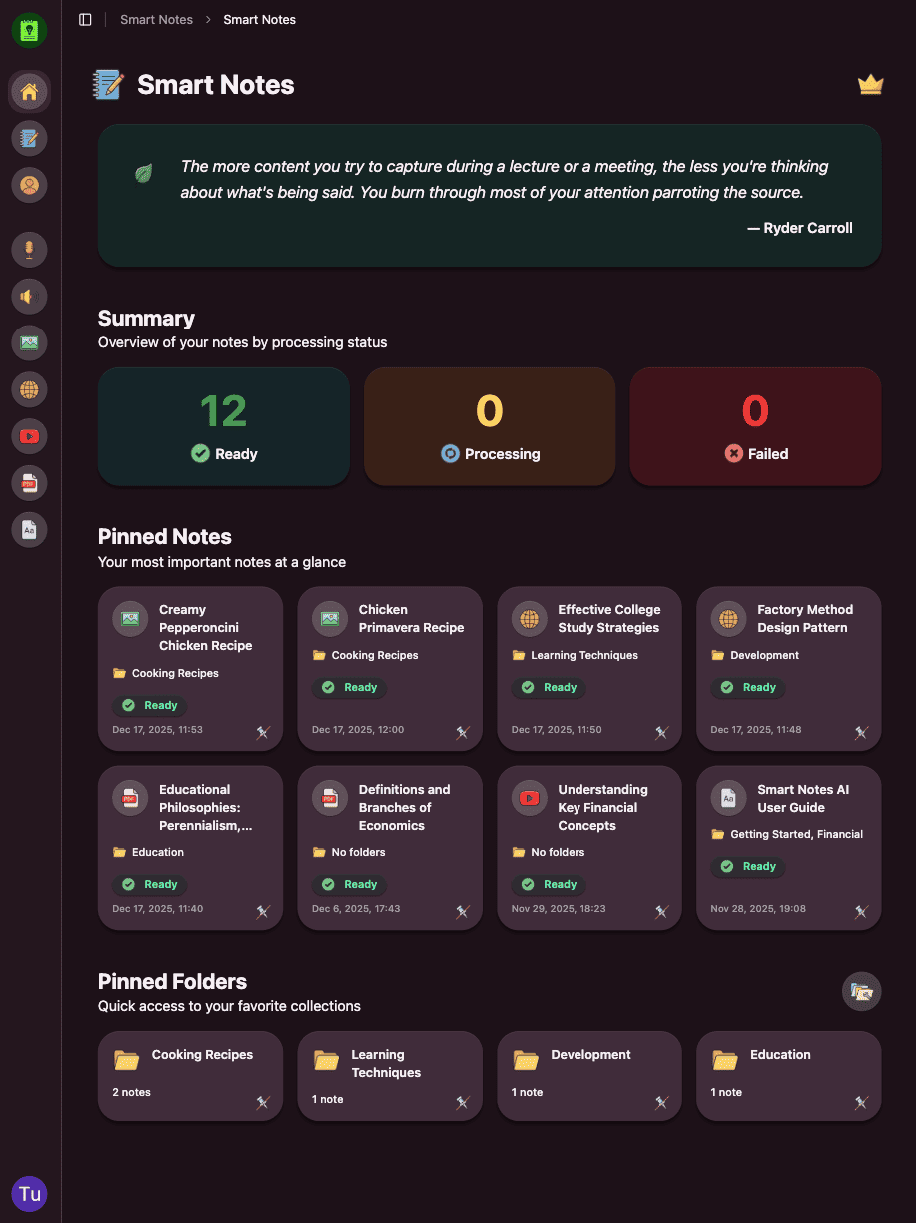
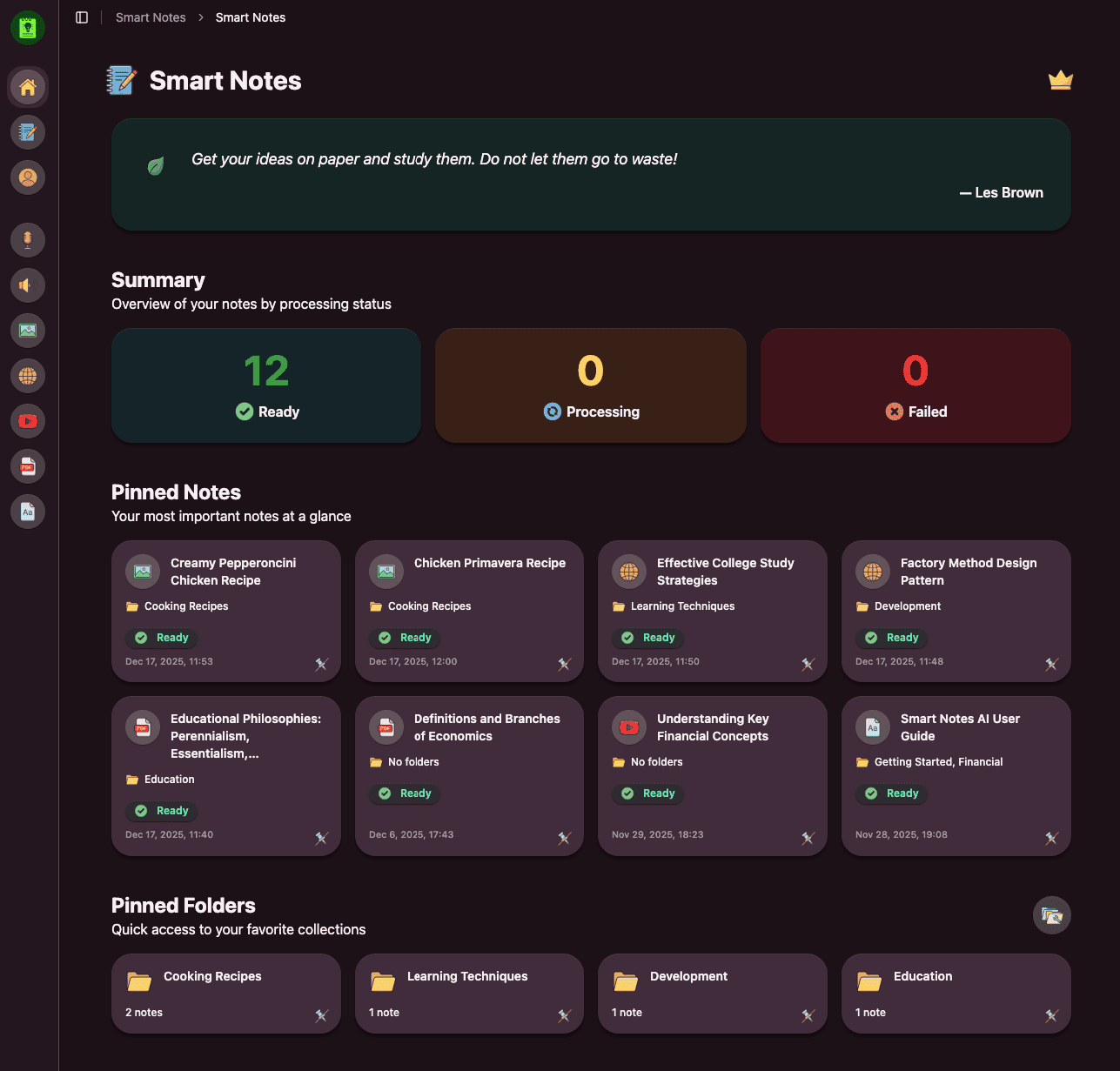
Paste any YouTube URL, upload a PDF, or record a lecture and get structured AI notes in seconds.