How Note Explanations Helped Me Finally Understand Complex Topics
I always struggled with dense technical content until I discovered MasteryAI's explanation feature. Here's how it transformed my learning by breaking down complex topics into digestible explanations at my level.
 Michael Torres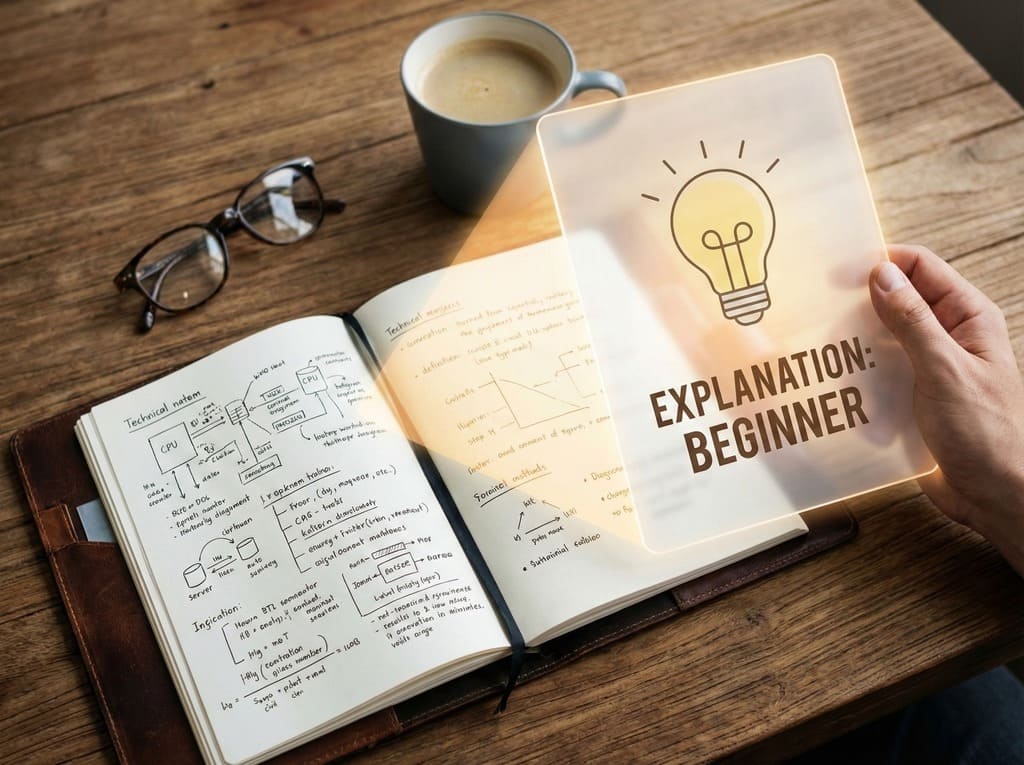
Quick Summary: Understanding Anything in Seconds
- The Problem: Reading "smart" content (research papers, technical docs) and feeling totally lost.
- The Solution: MasteryAI's "Explanation" button that rewrites notes at 5 different difficulty levels.
- Top Feature: "Beginner" mode (Explain Like I'm 5) for new topics vs. "Advanced" mode for work deep-dives.
- Best Use Case: Helping kids with homework or quickly grasping new industry trends without a PhD.
The Problem I Didn't Know I Had
You know that feeling when you read something and the words make sense individually, but together they might as well be written in ancient Greek? That was me with pretty much any technical documentation, research paper, or advanced tutorial.
I'd generate notes from YouTube videos, PDFs, and web articles using MasteryAI (which is amazing, by the way), but sometimes I'd look at my beautifully structured notes and think, "Okay... but what does this actually mean?"
The "Aha!" Moment
I was working through some machine learning notes I'd generated from a technical conference talk. The notes were perfect – well-organized, comprehensive, all the key points captured. But I was stuck on a few concepts that were explained in very technical language.
That's when I noticed a button I'd somehow missed before: "Explanation."
Out of curiosity, I clicked it. A menu popped up asking me to choose my level: Beginner, Middle School, Intermediate, Advanced, or Expert.
"Wait," I thought, "you mean I can get this explained like I'm five?"
I selected "Beginner" and clicked generate.
What Happened Next Changed Everything
Within seconds, I had a completely new version of my notes – same concepts, but explained in such simple, clear language that I actually got it. No jargon. No assumptions about prior knowledge. Just clear, straightforward explanations with everyday examples.
It was like having a really patient teacher who could explain things at exactly my level of understanding.
How I Actually Use It (Real Examples)
Let me share some real situations where this feature saved me:
Case 1: Learning New Technology at Work
The Situation: My company adopted a new project management framework, and I generated notes from the training video. The notes were full of terms like "agile ceremonies," "sprint retrospectives," and "velocity metrics."
The Problem: I'm not a developer. I had no idea what half of these terms meant in practice.
The Solution: I used the "Intermediate" level explanation. It kept the professional terminology but added clear definitions and relatable examples. Suddenly, I understood not just what these things were, but why they mattered and how to use them.
The Result: I actually contributed meaningfully in our first sprint planning meeting instead of just nodding along pretending to understand.
Case 2: Helping My Teenager with Homework
The Situation: My daughter had a biology assignment about cellular respiration. I generated notes from her textbook chapter to help her study.
The Problem: The textbook explanation was way too complex for a 13-year-old (and honestly, for me too).
The Solution: I generated a "Middle School" level explanation. It broke down the process using simple analogies – comparing cells to factories, ATP to batteries, etc.
The Result: We both actually understood it! She aced her test, and I didn't feel like a clueless parent.
Case 3: Deep Diving into a New Interest
The Situation: I got interested in quantum computing after watching a documentary. I generated notes from several YouTube videos and articles.
The Problem: I started with "Beginner" explanations, which were great for getting the basics. But I wanted to go deeper.
The Solution: Here's the cool part – I could generate explanations at different levels for the same notes! I started with Beginner, then moved to Intermediate as I got more comfortable, and eventually tried Advanced to really challenge myself.
The Result: I actually understood quantum superposition and entanglement well enough to explain it to my friends (using the Beginner-level explanation, of course).
The Five Levels: When to Use Each One
After using this feature for a few months, here's my guide to choosing the right level:
Beginner: "Explain Like I'm 5"
When I use it:
- Completely new topic I know nothing about
- Highly technical content that's over my head
- When I need to explain something to someone else simply
What it's like: Uses everyday language and relatable examples. No jargon. Perfect for getting the basic concept without feeling overwhelmed.
Real example: I used this for cryptocurrency notes. Instead of "blockchain is a distributed ledger technology," I got "blockchain is like a notebook that everyone has a copy of, and everyone can see when someone writes in it."
Middle School: "12-Year-Old Level"
When I use it:
- Topics I have basic familiarity with
- Helping my kids with homework
- When I want clear explanations without being talked down to
What it's like: Clear language with age-appropriate examples. Introduces some proper terminology but explains it well.
Real example: Perfect for science topics, historical events, or basic business concepts.
Intermediate: "High School/College Level"
When I use it:
- Professional development topics
- Subjects where I have some background knowledge
- When I need to understand something for work
What it's like: Assumes some prior knowledge but still explains things clearly. Uses proper terminology with good definitions.
Real example: This is my go-to for work-related learning – new software, business strategies, industry trends.
Advanced: "College/Professional Level"
When I use it:
- Topics in my field of expertise where I want deeper understanding
- When I'm ready to move beyond basics
- Professional or academic content
What it's like: Technical language with detailed explanations. Assumes solid foundation knowledge.
Real example: I used this for advanced marketing analytics notes. It didn't dumb anything down but made complex statistical concepts clearer.
Expert: "Full Technical Depth"
When I use it:
- Honestly? Rarely. But it's there when I need it.
- When I'm already knowledgeable and want comprehensive technical details
- For reference material in my area of expertise
What it's like: Full technical terminology and in-depth explanations. No hand-holding.
The Real Magic: Progressive Learning
Here's what makes this feature truly special – you can generate multiple explanation levels for the same notes.
I'll create notes from a complex article, then:
- Start with Beginner to get the basic concept
- Move to Intermediate once I'm comfortable
- Try Advanced when I want to go deeper
It's like having a personal tutor who adjusts their teaching style to exactly where you are in your learning journey.
Practical Tips I've Learned
Tip 1: Don't Be Afraid to Start Simple
I used to feel embarrassed selecting "Beginner" for topics I thought I "should" know. But honestly? Starting simple and building up is way more effective than struggling through advanced content and understanding nothing.
Tip 2: Use Different Levels for Different Purposes
- Beginner/Middle School: When I need to explain something to others
- Intermediate: For my own learning and work
- Advanced: When I'm preparing for a presentation or deep discussion
Tip 3: Compare Levels Side by Side
Sometimes I'll generate two levels for the same notes and compare them. It's fascinating to see how the same concept can be explained so differently, and it really deepens my understanding.
Tip 4: Match the Level to Your Energy
Tired after a long day? Beginner or Intermediate explanations are easier to process. Fresh and focused? That's when I tackle Advanced explanations.
Real Impact on My Life
I'm not exaggerating when I say this feature changed how I learn:
Confidence: I'm no longer intimidated by complex topics. I know I can break them down to my level.
Speed: I learn new things faster because I'm not getting stuck on confusing explanations.
Retention: When I truly understand something (vs. just memorizing it), I actually remember it.
Teaching: I can explain things better to others because I've seen how to break down complex concepts.
When It Really Shines
This feature is a game-changer for:
Career Changers
Learning a completely new field? Start with Beginner explanations and work your way up.
Students
Struggling with a tough subject? Get explanations at your actual comprehension level, not what the textbook assumes.
Parents
Helping kids with homework? Generate age-appropriate explanations that you both can understand.
Lifelong Learners
Curious about new topics? Explore at your own pace without feeling overwhelmed.
Professionals
Need to understand something outside your expertise? Get it explained at a level that makes sense for your context.
The Bottom Line
Look, I'm not a genius. I'm just someone who wants to understand things without feeling stupid. The Explanation feature gives me that.
It's like having a really patient friend who can explain anything at exactly the level I need, whether I'm a complete beginner or ready for advanced concepts. And as I learn and grow, the explanations can grow with me.
The best part? I'm actually enjoying learning again. Complex topics aren't scary anymore – they're just puzzles I haven't solved yet, and I have the perfect tool to help me figure them out.
Try It Yourself
If you're using MasteryAI and haven't tried the Explanation feature yet, you're missing out. Here's what I recommend:
- Open any note you find confusing or complex
- Click "Explanation"
- Choose your honest comprehension level (no judgment!)
- See the magic happen
Start with something you're curious about but find intimidating. Pick the level that feels right. You might be surprised at how much clearer things become.
And hey, if you start at Beginner and work your way up to Expert? That's not a weakness – that's smart learning.
Have you tried the Explanation feature? What level do you usually choose? I'd love to hear about your experience!
About the Author: Michael is a marketing professional and lifelong learner who believes that understanding complex topics shouldn't require a PhD. When he's not generating and explaining notes, he enjoys hiking, cooking, and explaining things to his teenage daughter (who may or may not be listening).
Ready to learn faster?
Paste any YouTube URL, upload a PDF, or record a lecture and get a structured summary in seconds.