AI for PDF: PDF MasteryAI & Export
PDF smart AI assistant for students and professionals. Make notes from any PDF and export notes to PDF format. Perfect for research papers, textbooks, reports, and documentation. Save hours on reading.

Trusted by Millions Worldwide for AI Note Taking
Join over 1 million users who are transforming the way they take notes with AI-powered automation

Reviews & Ratings

1M+
Active AI Note Taking Users Worldwide
5,000+
Educational Institutions & Professional Teams
Trusted by Leading Organizations and Educational Institutions






























Powerful Features for PDF Processing
Everything you need to transform PDFs into actionable, organized knowledge
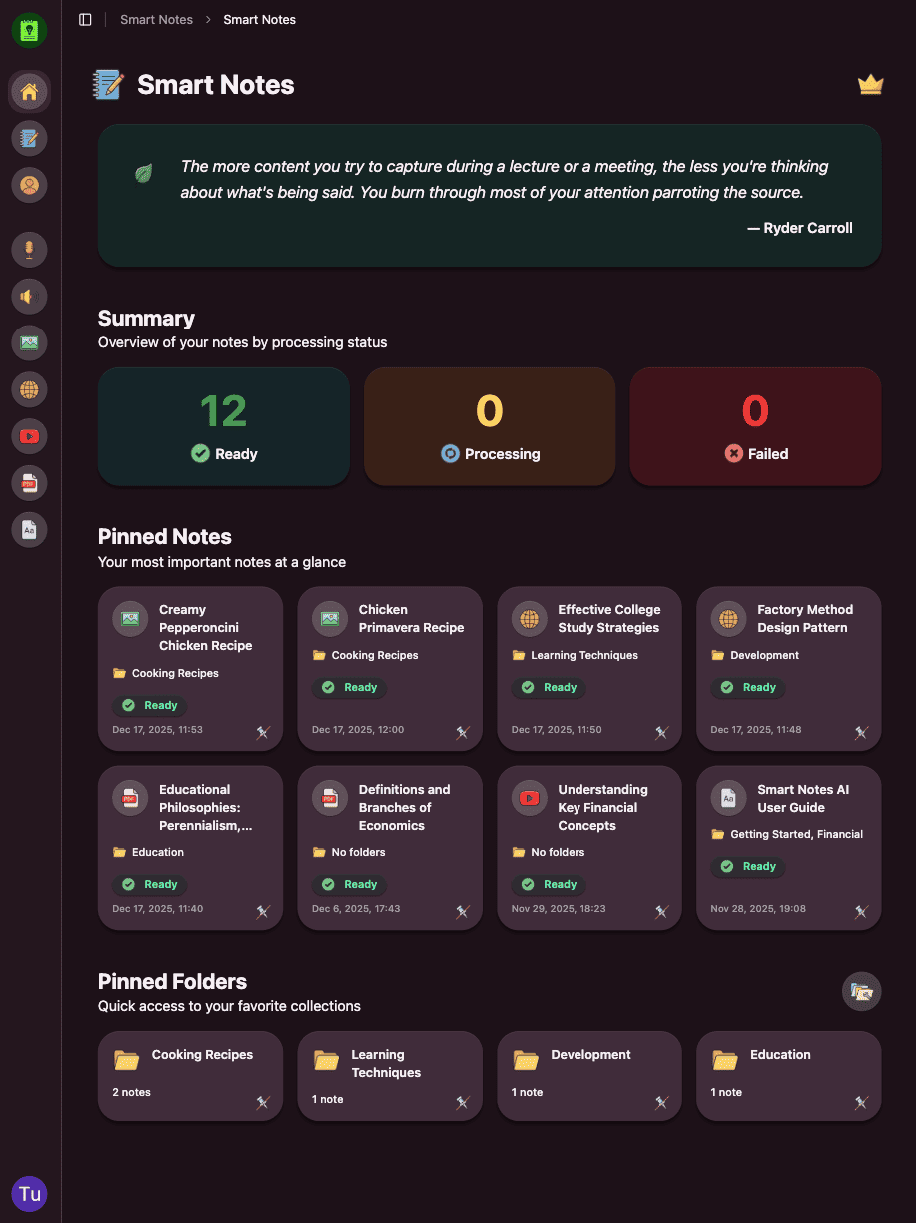
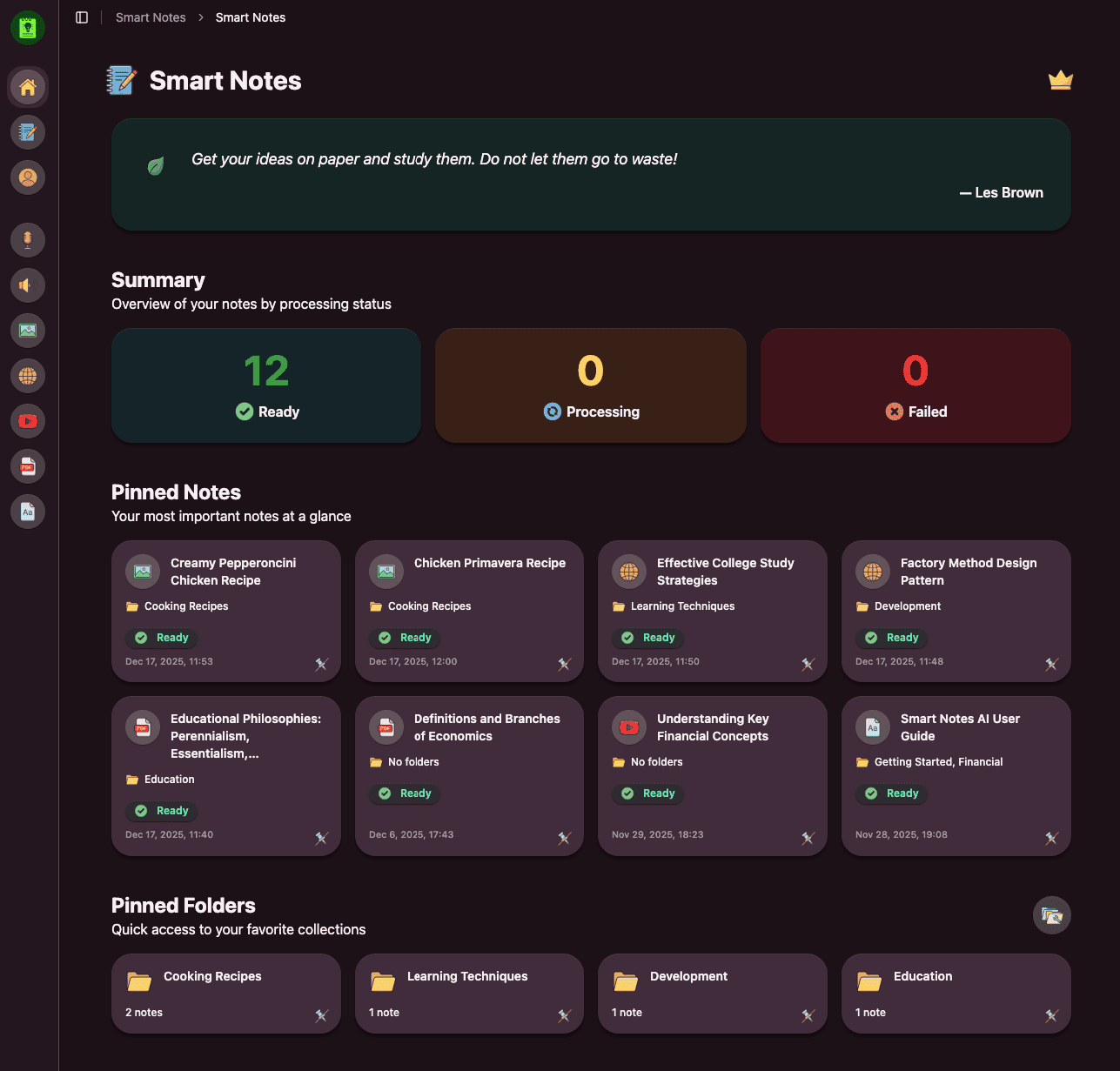
Smart Text Extraction
Advanced OCR and text recognition extracts content from any PDF, including scanned documents and images.
AI Summarization
Get concise summaries of lengthy documents. Perfect for research papers, reports, and academic articles.
Key Points Highlighting
AI automatically identifies and highlights the most important concepts, definitions, and findings.
Structured Outlines
Transform dense PDFs into organized outlines with hierarchical structure for easy navigation.
Citation Extraction
Automatically extract references, citations, and bibliographies for academic research.
Study Materials
Generate flashcards, quizzes, and study guides directly from PDF content for effective learning.
From PDF to Notes in 3 Simple Steps
No manual typing. No highlighting chaos. Just upload, process, and learn.
Upload PDF Document
Drop your PDF file - research papers, textbooks, reports, or any document you need to study.
AI Analyzes Content
Our advanced AI extracts text, identifies key concepts, and structures the information intelligently.
Get Structured Notes
Receive organized notes with summaries, key points, definitions, and flashcards instantly.
Perfect for Every PDF User
Whether you're studying, working, or researching, transform any PDF into valuable notes
Students & Researchers
Transform research papers, academic articles, and textbooks into study guides. Extract key findings and methodologies effortlessly.
Professionals
Convert reports, whitepapers, and business documents into actionable insights and summaries.
Lifelong Learners
Extract knowledge from ebooks, guides, and educational materials. Build your personal knowledge base.
Legal & Compliance
Analyze contracts, legal documents, and compliance materials. Extract key clauses and important terms.
Why Choose MasteryAI?
See the difference AI-powered note-taking makes for PDF documents
Traditional PDF Reading
The old way of reading PDFs
- Manual highlighting and copying
- Scattered notes across pages
- Missing key information
- Time-consuming extraction
- Unorganized highlights
- No searchable summaries
MasteryAI
The smart way to learn from PDFs
- Automatic text extraction
- AI-generated summaries
- Key insights extraction
- Instant processing
- Structured, organized notes
- Fully searchable content
Frequently Asked Questions
Everything you need to know about converting PDFs to notes
Upload any PDF document to MasteryAI. Our advanced AI will extract text using OCR technology, analyze the content, identify key concepts, and generate structured notes with summaries and highlights. The process is instant and works with any PDF format.
Yes! MasteryAI uses advanced OCR (Optical Character Recognition) technology to extract text from scanned PDFs and images. Even handwritten documents can be processed with high accuracy.
Absolutely! MasteryAI is perfect for academic content. It can extract citations, identify key findings, summarize methodologies, and create structured notes from research papers, textbooks, and academic articles.
MasteryAI can process PDFs of any size. Whether it's a single-page document or a 500-page textbook, our AI will extract and organize the content efficiently.
Yes! MasteryAI automatically generates flashcards from PDF content. These flashcards are perfect for studying and can be customized to focus on specific topics or chapters.
Our AI achieves 99% accuracy in text extraction from digital PDFs and 96% accuracy from scanned documents. The system can handle multiple languages, complex layouts, and technical terminology.
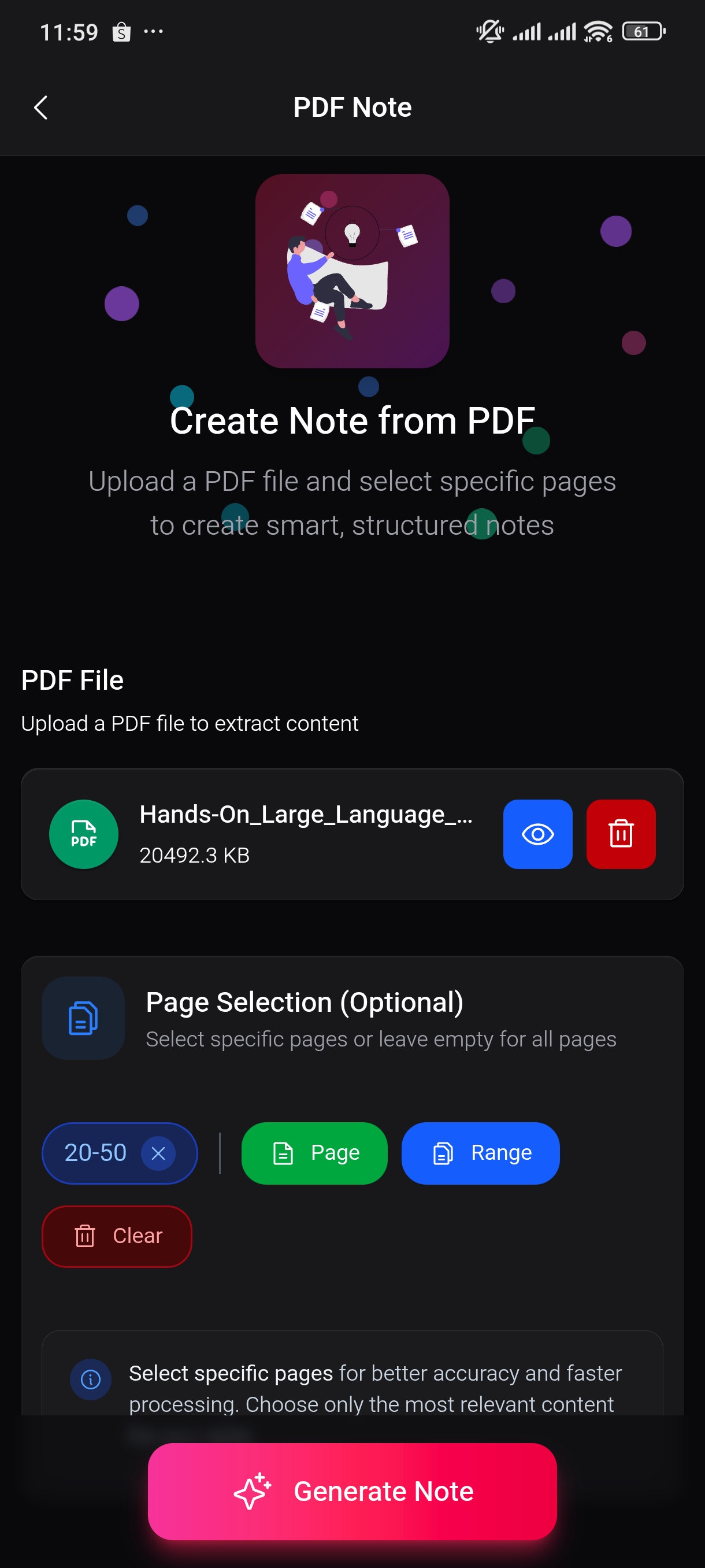
Yes! You can select specific pages or page ranges to process. This is useful when you only need notes from certain chapters or sections of a large document.
Absolutely. All PDFs are processed securely and encrypted. We don't store your documents permanently, and you have full control over your data. See our privacy policy for more details.
Ready to transform your PDFs into structured notes?
Download MasteryAI